
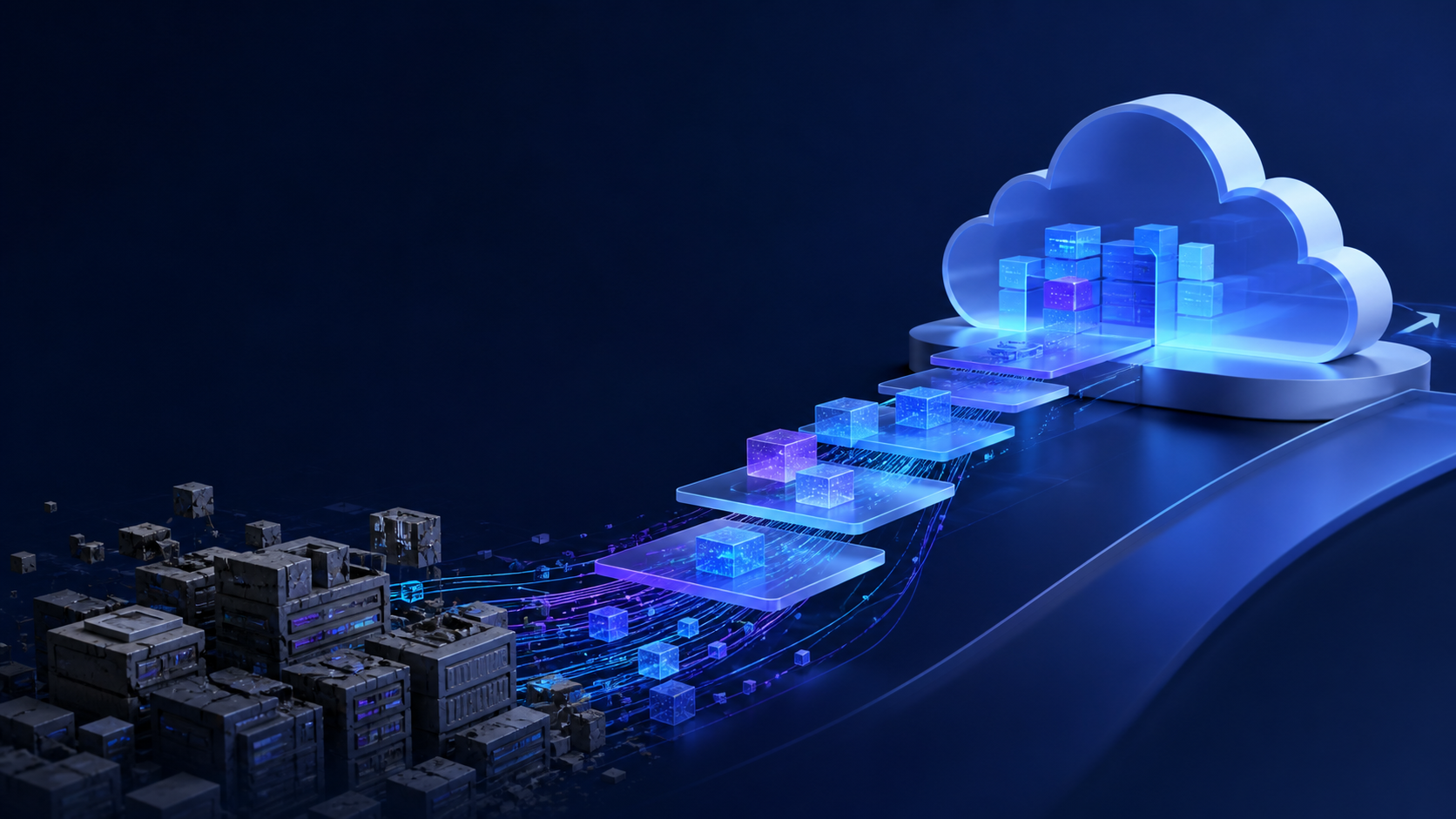
Legacy systems become expensive when they block reporting, slow teams down, create security risk, or depend on knowledge only one person has.
Understand the current system
Before rebuilding, document what the legacy system does, who uses it, what data it stores, where it connects, and which workflows cannot stop.
This assessment protects the business from surprises during migration.
Choose the modernization path
Options include improving the existing system, replacing modules one at a time, rebuilding the core workflow, or integrating around the legacy system while phasing it out.
The best path depends on risk, cost, business urgency, and technical condition.
Plan migration and adoption
Data migration, user training, parallel runs, backups, and support are central to modernization. The new system must earn trust before the old one is retired.
A careful plan reduces fear and operational disruption.
Key takeaways
- Assess risk before rebuilding
- Migrate data carefully
- Keep the business running
Written by
TechTrust IT Solutions
Project Manager · Full Stack Developer · AI Solutions Architect
Writing about software delivery, AI systems and product execution with a practical, business-first lens.